1. Go to the link below and log in to MUTOH Club.
https://mutoh-club.com/mutoh/guser/

If you don’t have a MUTOH Club account, go to the following link (for VerteLith only) and complete user registration.
https://mutoh-club.com/mutoh/muser/
☞ VerteLith Download & Installation(for new User)
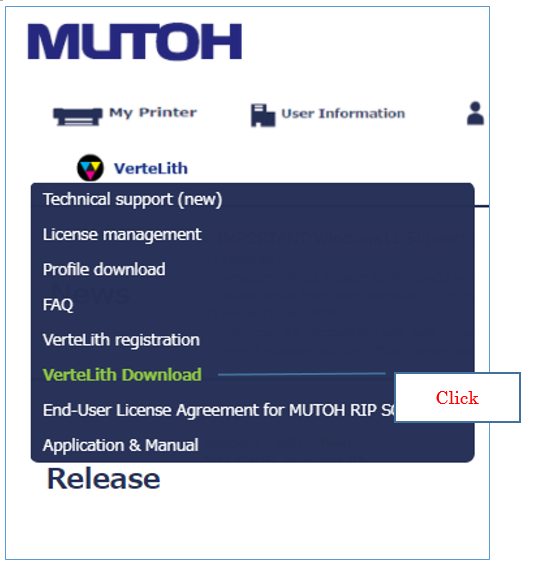
2.From the menu below, complete your VerteLith registration.

3. From the menu below, download the VerteLith install package on your computer.
4. Unzip the install package on a computer you want to install this software.
Launch the StartInstaller.exe and follow the wizard to install it. For more details, see the VerteLith user’s
guide or visit MUTOH Club.